Mac Troubleshooting
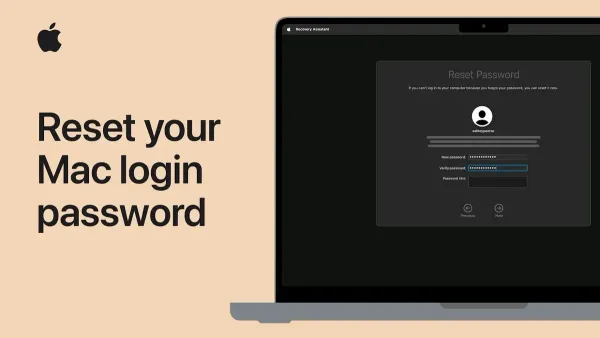
How to Fix a Forgotten Mac Login Password: Step-by-Step Guide
Learn how to fix a forgotten Mac login password using Apple ID, recovery keys, or admin accounts to regain access safely and easily.

Mac Troubleshooting
Learn how to fix a forgotten Mac login password using Apple ID, recovery keys, or admin accounts to regain access safely and easily.
Mac Security
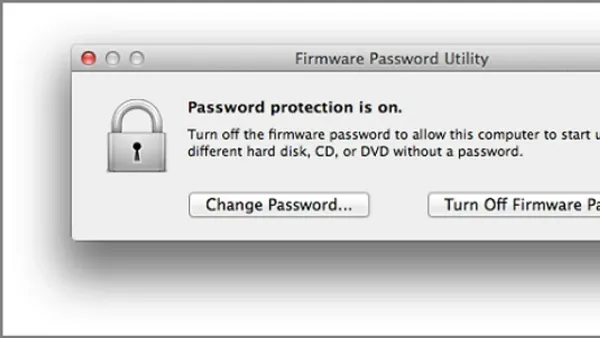
Discover how to fix a forgotten firmware password on your Mac and regain control of your device with clear, actionable advice.
Mac Security
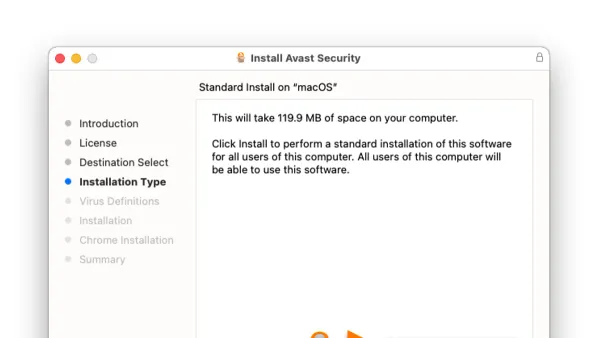
This guide clearly explains how to install Avast on Mac, covering key steps, processor differences, permissions, and setup tips.
Mac Security
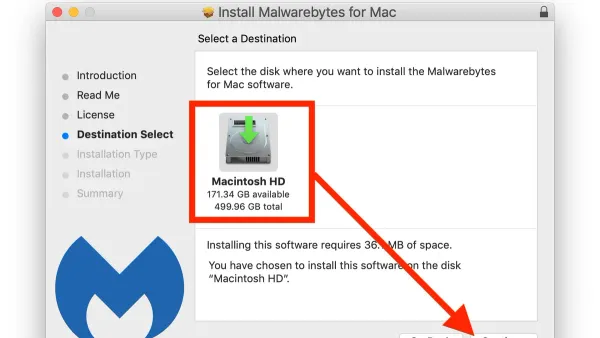
Follow this clear step-by-step guide to install Malwarebytes on your Mac and keep your device secure from malware threats.
Password Management
This guide shows how to install Bitwarden on Mac, set up your vault, and use it effectively to manage your passwords securely.
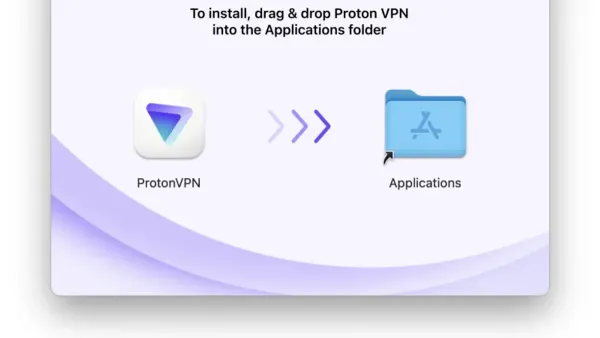
VPN Setup
Step-by-step guide to install and set up Proton VPN on Mac for enhanced online privacy and secure internet access.
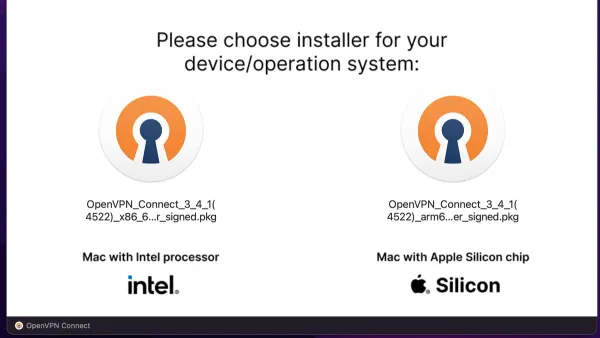
VPN Setup
Step-by-step guide to installing and setting up OpenVPN on your Mac using official clients or terminal for secure VPN connections.

Mac Troubleshooting
Learn how to fix the 'cannot be opened because the developer cannot be verified' error on Mac and safely open blocked apps with simple steps.
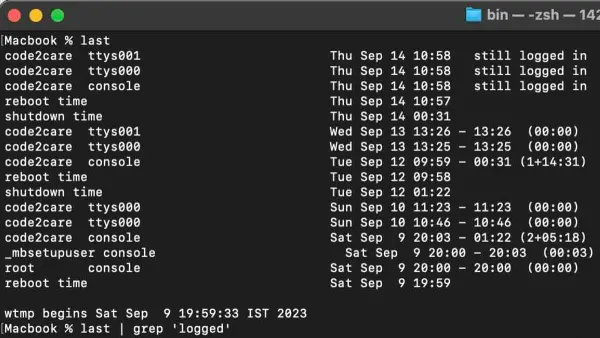
Mac Security
Discover how to view your Mac's login history using Terminal commands to monitor access and ensure your device's security.
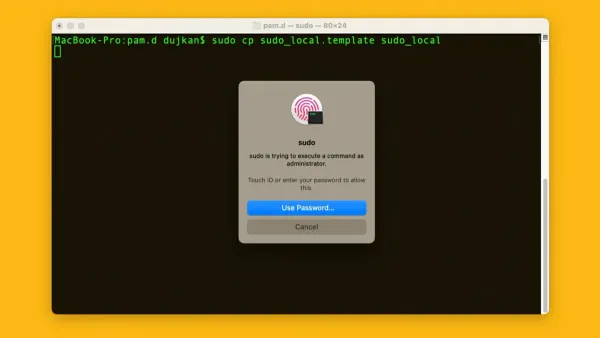
Mac Terminal
Discover how to use sudo safely in Mac Terminal to manage your system securely and avoid common mistakes with elevated command privileges.
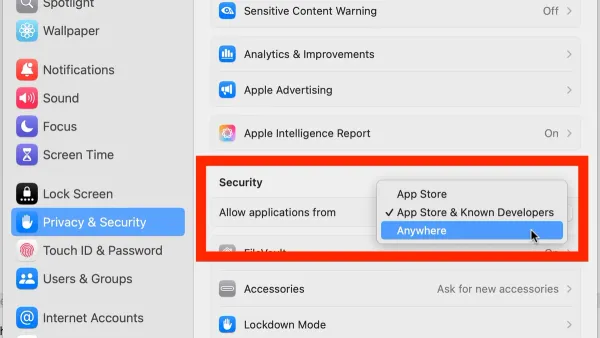
Mac Security
Discover how to enable apps from anywhere on Mac using System Preferences and Terminal while maintaining your Mac’s security.
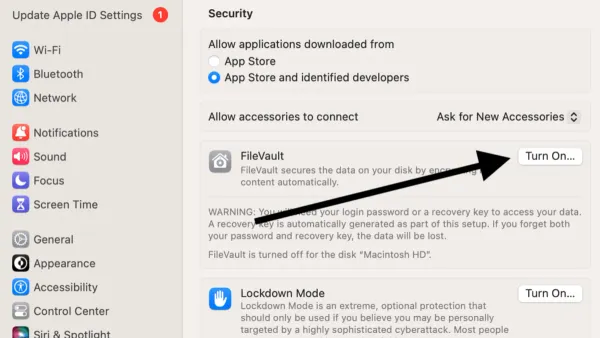
Mac Security
This guide shows you how to turn on FileVault on Mac to encrypt your disk and secure your sensitive data step-by-step.