Mac Tips
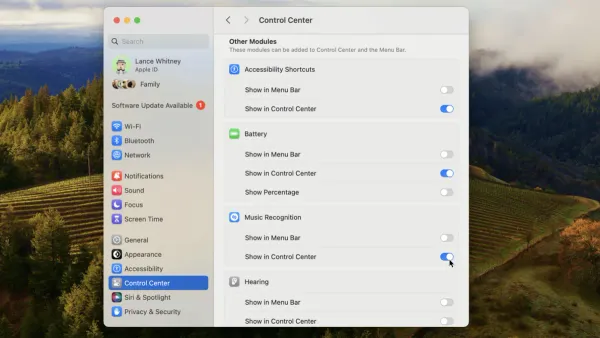
How to Customize Control Center on Mac: A Complete Step-by-Step Guide
Discover how to tailor Control Center on Mac for faster access to key settings like Wi-Fi, Bluetooth, and screen brightness.

Mac Tips
Discover how to tailor Control Center on Mac for faster access to key settings like Wi-Fi, Bluetooth, and screen brightness.
Video Editing
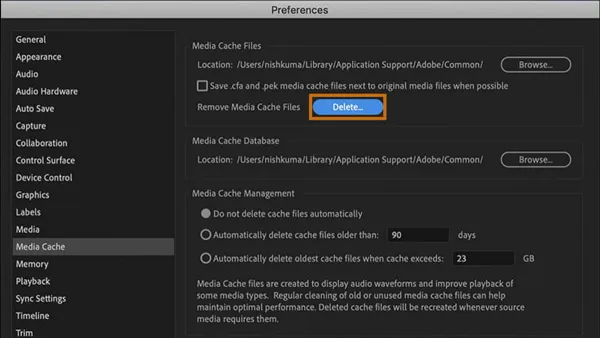
This guide shows you how to clear media cache in Premiere Pro on Mac to improve performance and free up disk space safely and efficiently.
Mac Tips
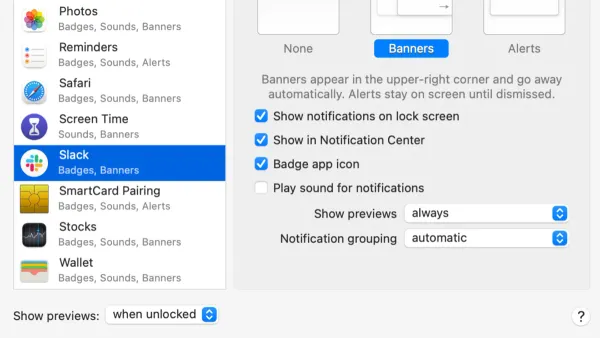
Discover how to turn off app notifications on Mac to minimize distractions and customize alerts for better focus.
Mac Tips
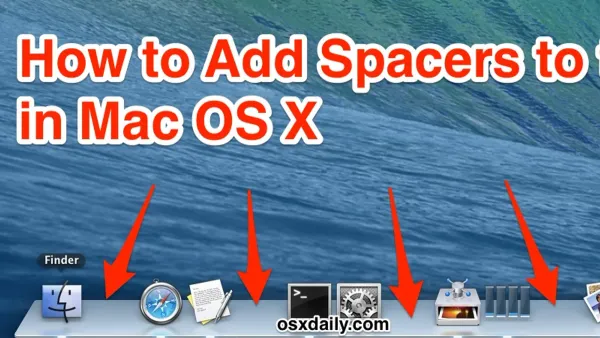
This guide shows how to add spacers to the Mac Dock using Terminal commands to organize apps and improve your workflow.
Mac Tips
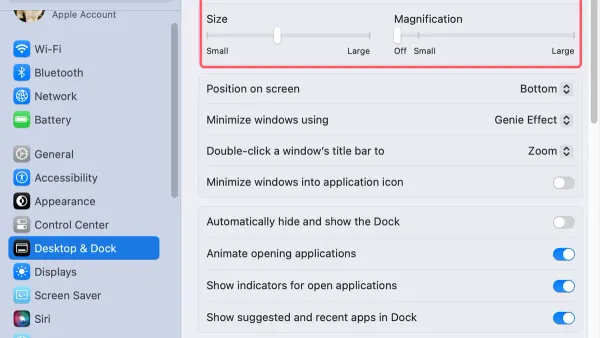
Easily adjust your Mac Dock icon size to enhance visibility and streamline your workspace with this step-by-step guide.
Mac Tips
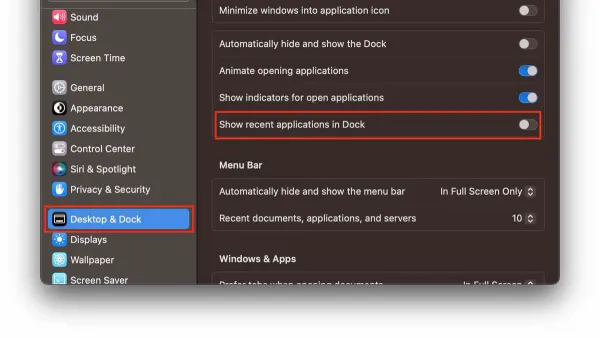
Discover how to quickly remove recent apps from your Mac Dock for a cleaner, more organized workspace.
Web Browsing
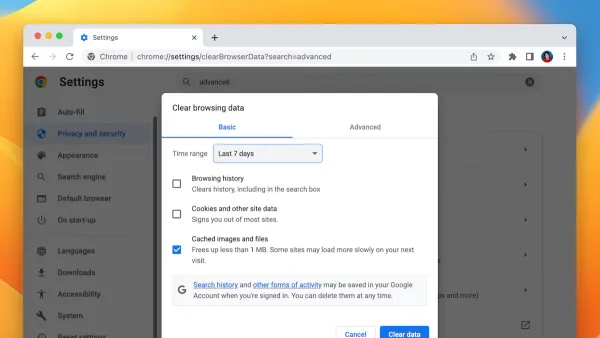
Step-by-step guide to clearing cache in Google Chrome on Mac to improve browser performance and fix common loading issues.
Video Conferencing
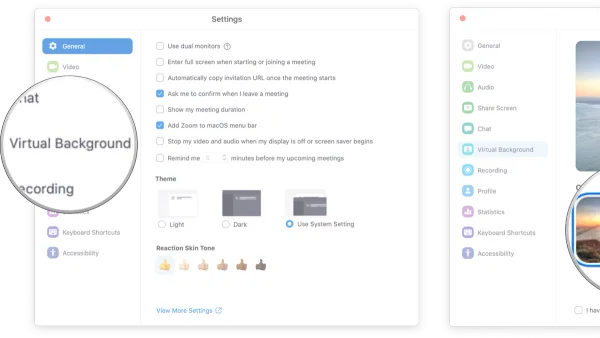
This guide shows you how to enable and switch virtual backgrounds in Zoom on Mac with practical tips for the best results.
Microsoft Teams
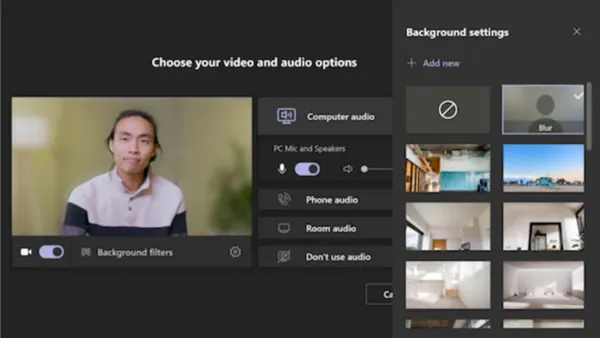
Discover easy steps to blur your background in Microsoft Teams on Mac for a more professional and private video meeting experience.
Microsoft Teams
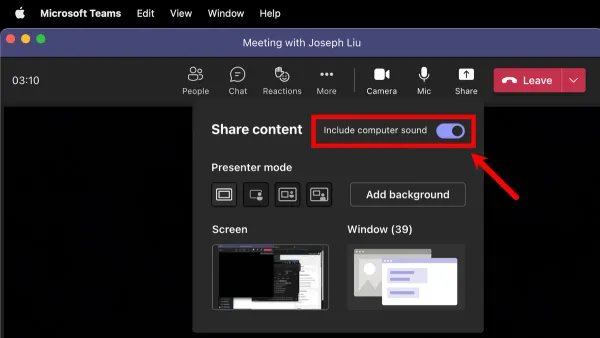
Discover how to share your screen with audio in Microsoft Teams on Mac by enabling permissions and adjusting settings for clear sound in meetings.
PowerPoint
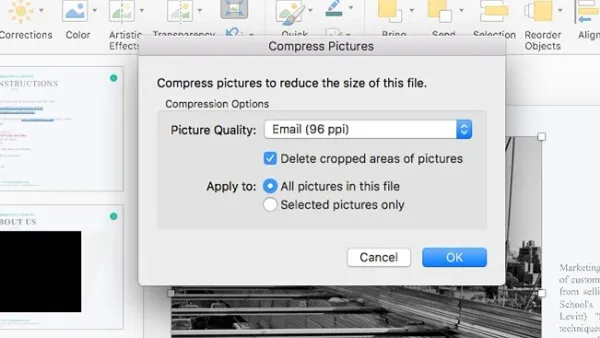
This guide shows how to compress pictures in PowerPoint on Mac, balancing image quality with smaller file sizes for easy sharing.
Excel Troubleshooting
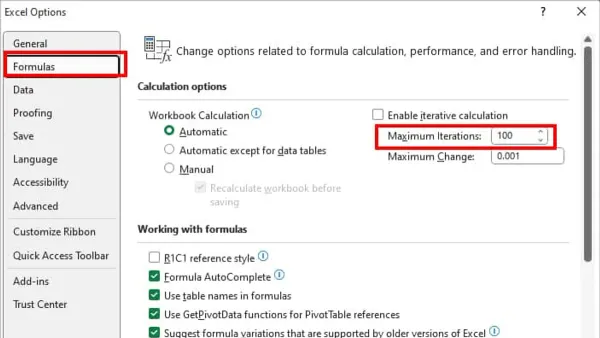
Discover step-by-step solutions to fix Excel formulas not updating automatically on Mac and ensure your calculations refresh correctly.