Mac Tips
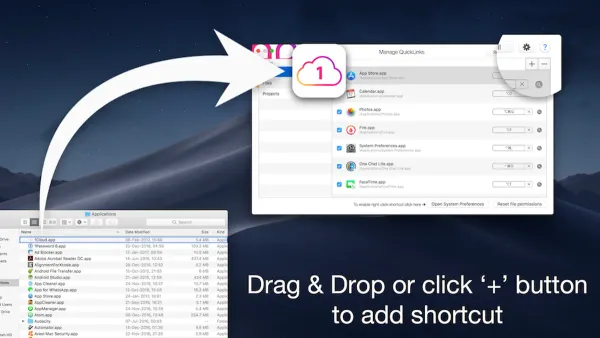
Mac Keyboard Shortcut to Open Downloads Folder Quickly
Discover how to quickly open the Downloads folder on Mac using keyboard shortcuts and customize your own for faster access.

Mac Tips
Discover how to quickly open the Downloads folder on Mac using keyboard shortcuts and customize your own for faster access.
Mac Tips
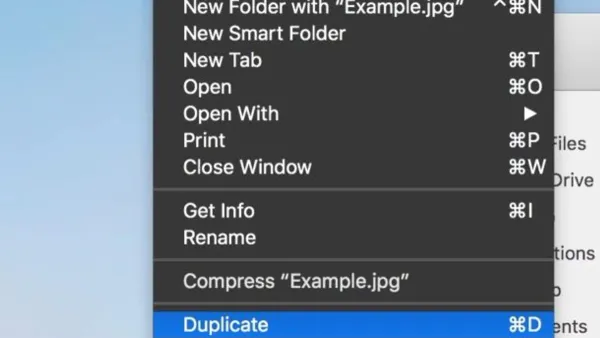
Discover how to quickly duplicate files on your Mac using the Command + D keyboard shortcut to save time and stay organized.
Mac Tips
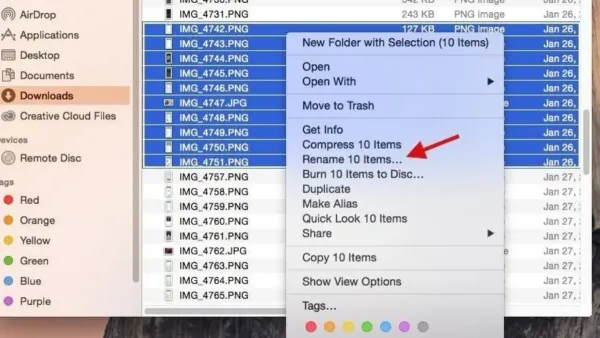
Discover how to rename files quickly on your Mac using a simple keyboard shortcut and improve your workflow efficiency.
Mac Tips
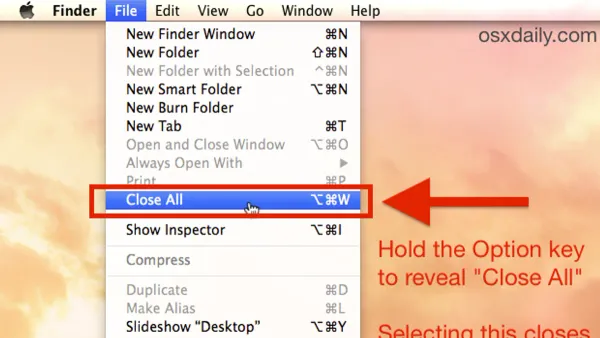
Discover how to use the Mac keyboard shortcut to close all windows efficiently without quitting apps or losing your place.
Mac Tips
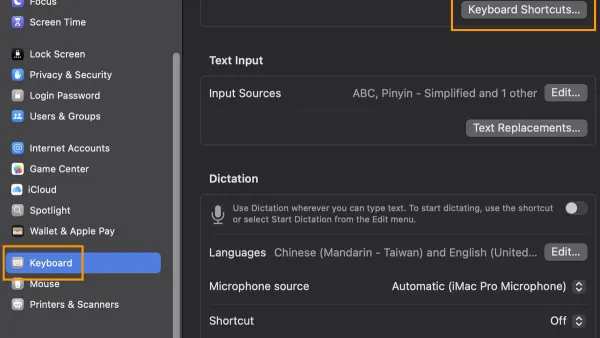
Discover how to use the Mac keyboard shortcut to hide an app and streamline your workflow by clearing your screen without closing apps.
Mac Tips
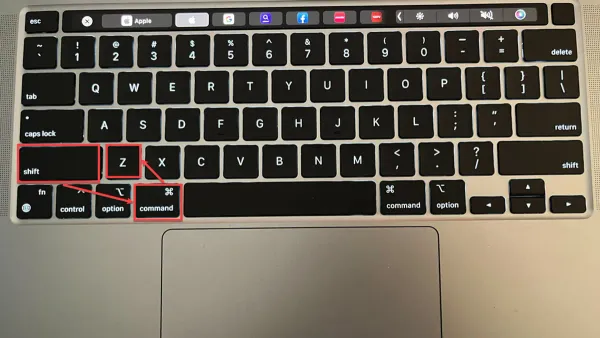
Discover how to quickly undo a closed tab on Mac using keyboard shortcuts across popular browsers like Safari, Chrome, and Firefox.
Mac Tips
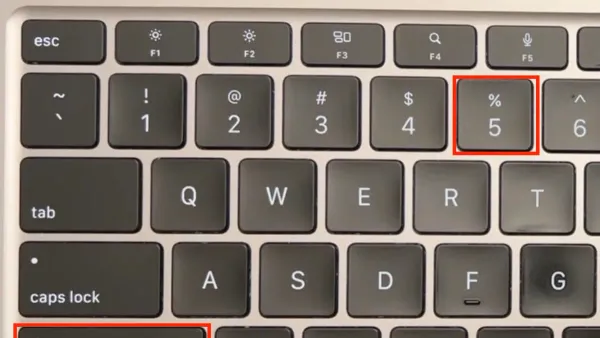
Discover how to use Mac keyboard shortcuts to record your screen quickly and efficiently without relying on third-party applications.
Mac Security
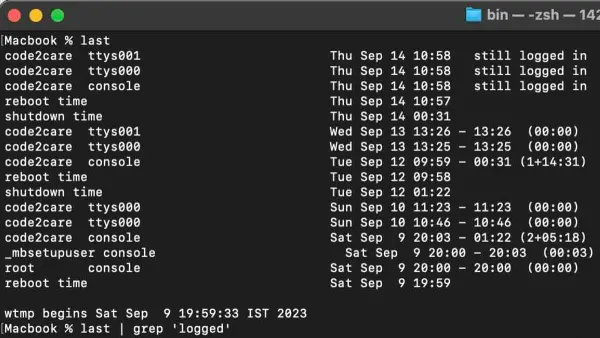
Discover how to view your Mac's login history using Terminal commands to monitor access and ensure your device's security.
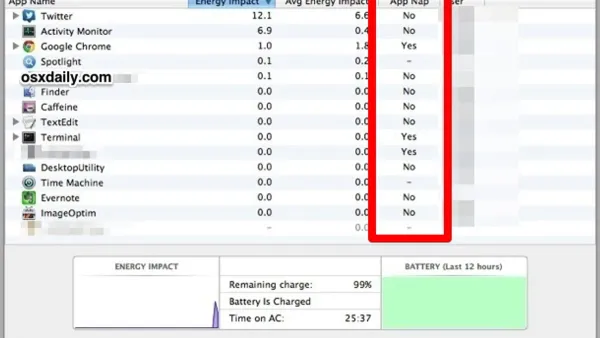
MacOS
Discover how to disable App Nap in Mac Terminal to prevent pauses and slowdowns during long-running Terminal processes with easy step-by-step commands.
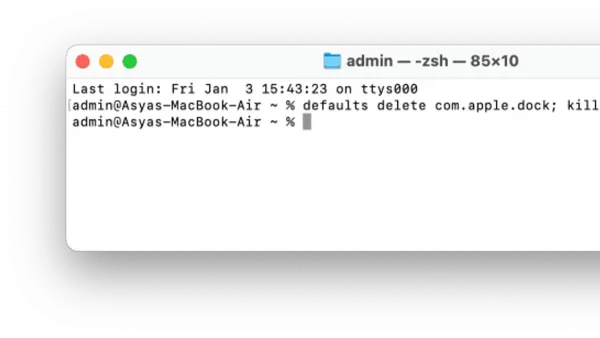
Mac Tips
Discover step-by-step commands to reset your Mac Dock to default using Terminal and manage Dock settings effectively.
Mac Tips
This guide shows you how to reset Launchpad in Mac Terminal to fix cluttered layouts, missing icons, and app deletion problems quickly.
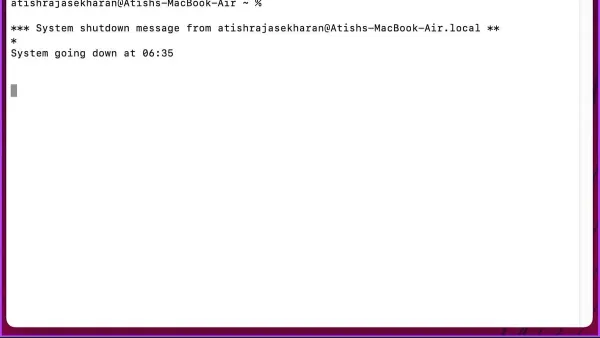
Mac Tips
Discover how to use Terminal commands to schedule automatic shutdowns on your Mac with a timer for precise control.