Password Management
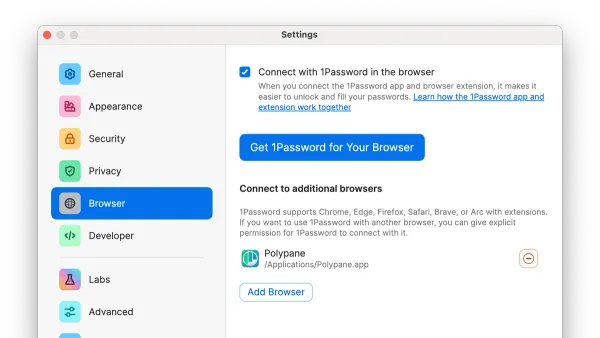
How to Install and Set Up 1Password on Your Mac: A Step-by-Step Guide
Step-by-step guide to install and set up 1Password on your Mac for efficient and secure password management.

Password Management
Step-by-step guide to install and set up 1Password on your Mac for efficient and secure password management.
Password Management
This guide shows how to install Bitwarden on Mac, set up your vault, and use it effectively to manage your passwords securely.
VPN Setup
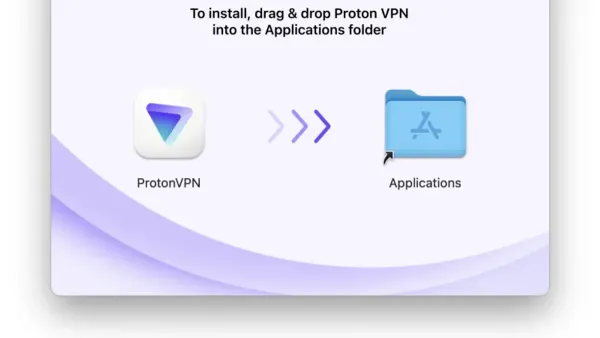
Step-by-step guide to install and set up Proton VPN on Mac for enhanced online privacy and secure internet access.
Networking
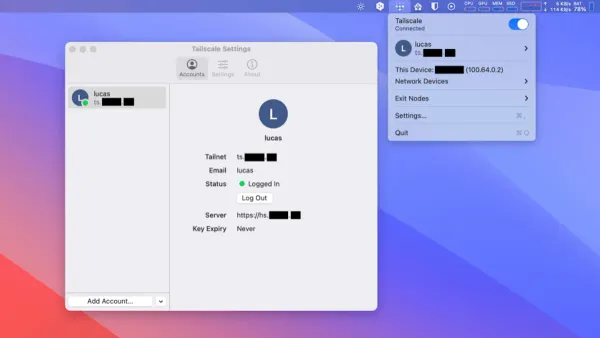
This guide shows you how to install Tailscale on Mac, enabling secure private networks with simple steps for download, installation, and login.
VPN
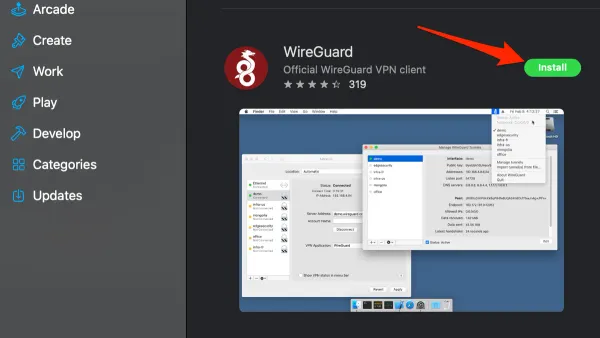
This guide shows you how to install WireGuard on Mac, covering client and server setup, tips, and troubleshooting for a secure VPN.
VPN Setup
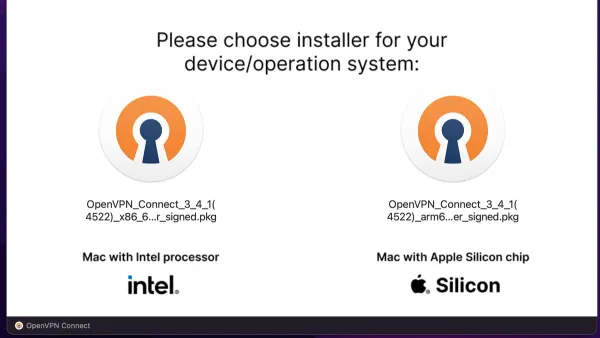
Step-by-step guide to installing and setting up OpenVPN on your Mac using official clients or terminal for secure VPN connections.
Remote Desktop
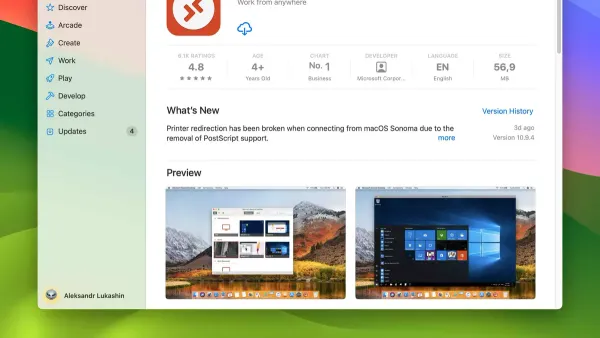
Discover easy steps to install Microsoft Remote Desktop on Mac and configure remote access to your Windows PC with helpful troubleshooting tips.
Remote Desktop
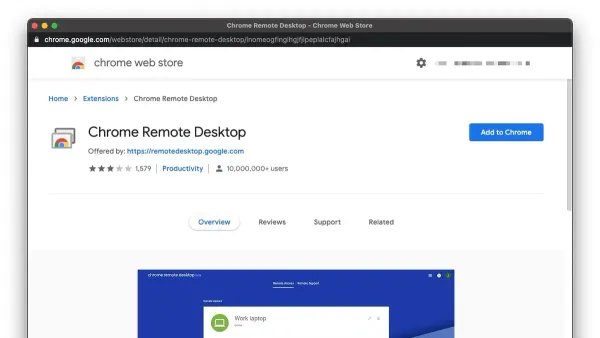
Step-by-step guide to install and use Chrome Remote Desktop on Mac for secure and easy remote access.
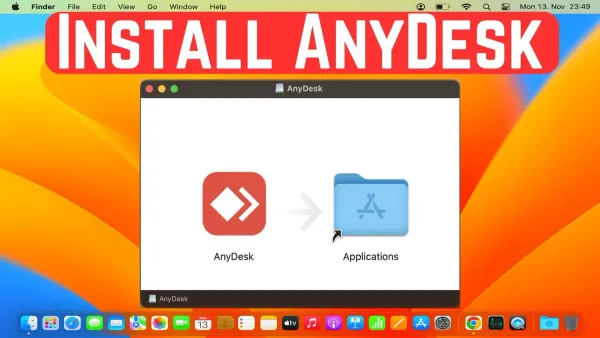
Remote Desktop
Follow this clear, step-by-step guide to install AnyDesk on your Mac, configure permissions, and enable seamless remote connections.
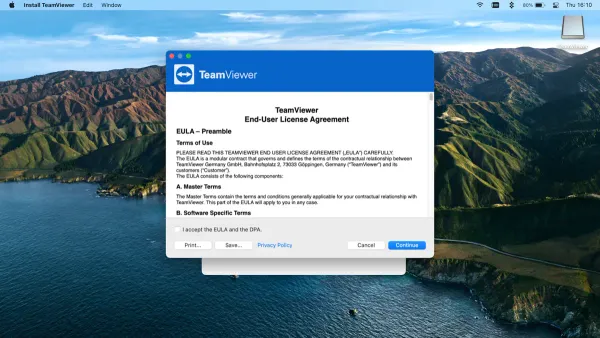
Software Installation
This guide walks you through installing TeamViewer on Mac, covering download, permissions, setup, and troubleshooting for smooth remote access.
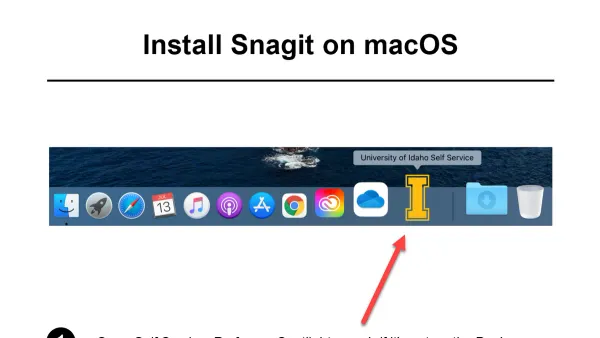
Software Installation
This guide explains how to install Snagit on Mac, covering downloading, licensing, permissions, and troubleshooting for smooth setup.

Screen Recording
Discover how to install Loom on your Mac and use its features for efficient screen recording and video messaging.