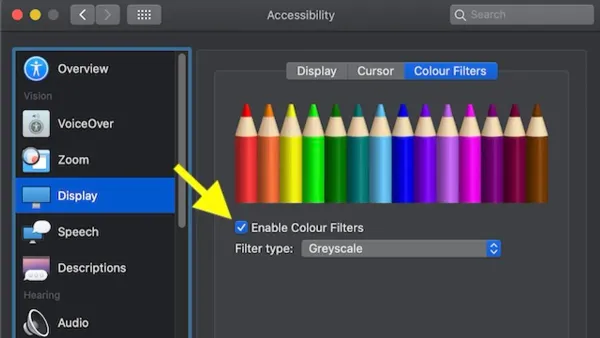
Mac Accessibility
How to Turn On and Customize Color Filters on Your Mac
Discover how to enable and customize color filters on your Mac to improve visual accessibility and reduce eye strain.

Mac Accessibility
Discover how to enable and customize color filters on your Mac to improve visual accessibility and reduce eye strain.
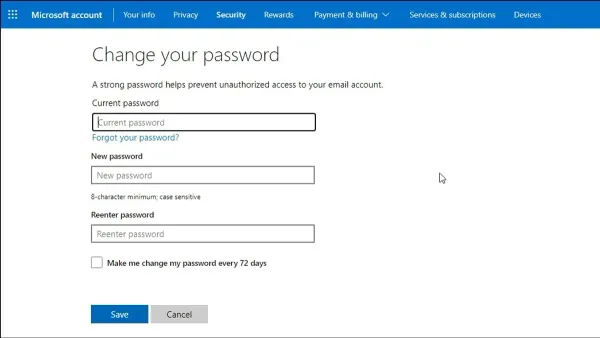
Account Security
This guide explains how to change your Microsoft account password on various devices with clear, secure instructions.
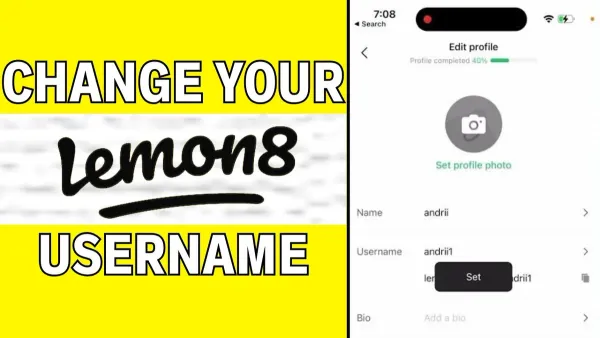
Account Security
This guide explains how to change your Lemon8 password and manage related account security tasks easily and effectively.
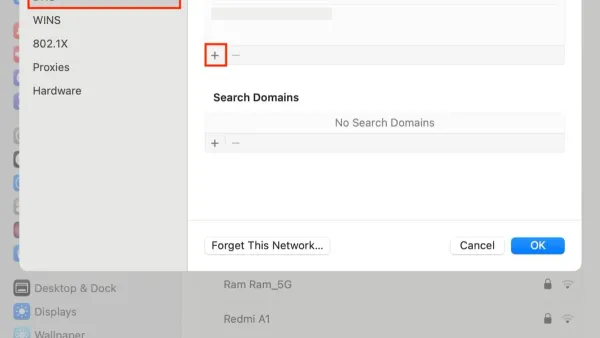
Mac
This guide shows how to set custom DNS on Mac using System Preferences and Terminal to boost speed, privacy, and access.
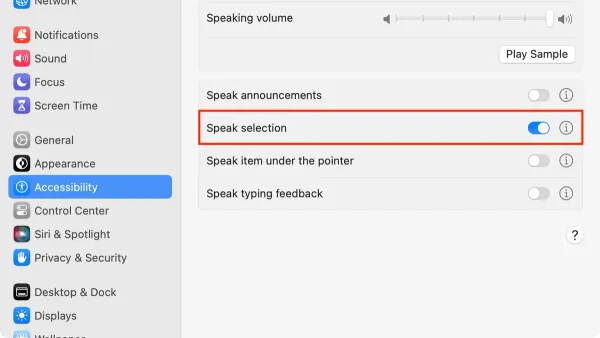
Mac Accessibility
Discover how to enable and use Speak Selection on Mac to listen to highlighted text aloud for easier reading and multitasking.
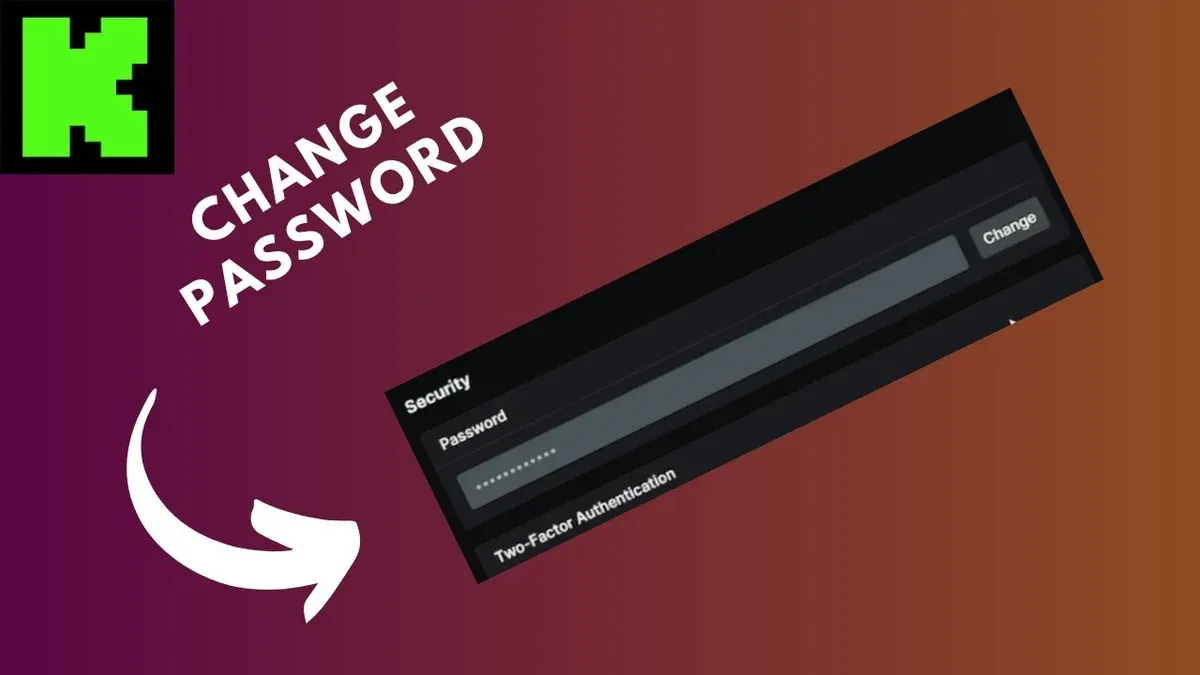
Account Security
This article guides you through changing your Kick password and switching to passkeys with easy, secure instructions.
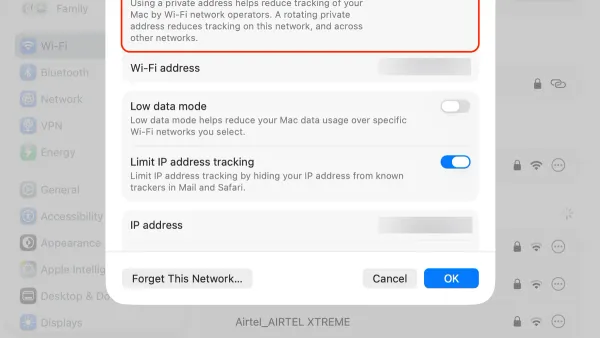
Mac Privacy
Discover how to enable and disable Private Wi-Fi address on Mac to protect your privacy and improve network compatibility with this easy guide.
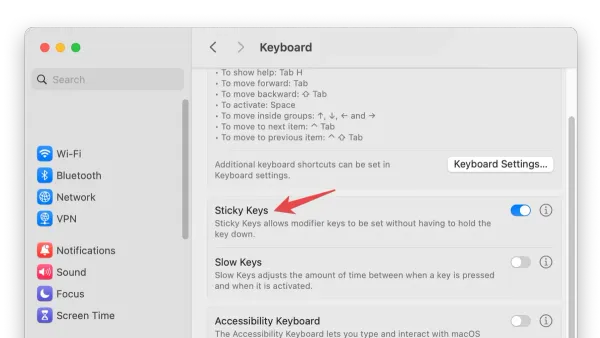
Accessibility
This guide shows how to enable Sticky Keys on Mac, making keyboard shortcuts easier by pressing keys sequentially instead of simultaneously.
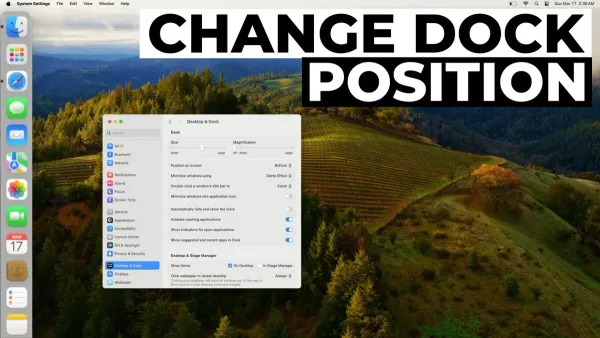
Mac Tips
Discover how to move the Dock to the left on Mac and customize its position, size, and behavior for a cleaner, more efficient workspace.
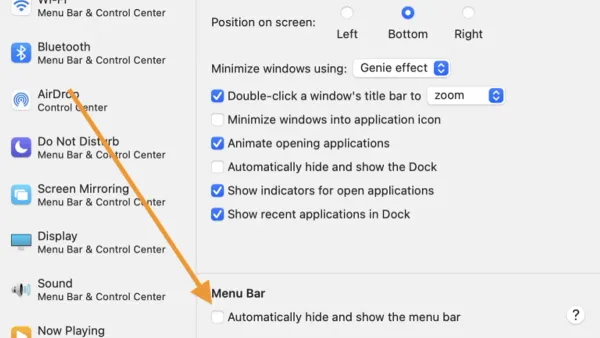
Mac Tips
Discover simple steps to hide the menu bar on Mac and manage your Dock for a cleaner, distraction-free workspace.
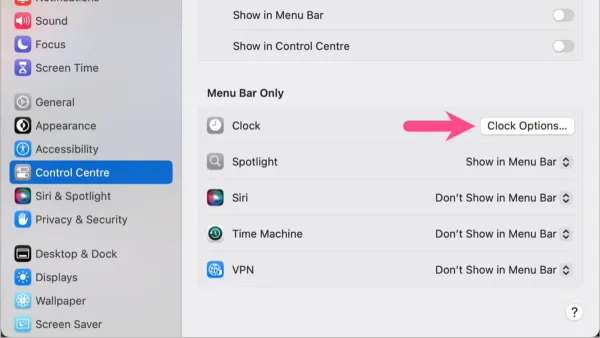
Mac Tips
Discover how to enable seconds in your Mac's menu bar clock using system settings or third-party apps for precise time tracking.
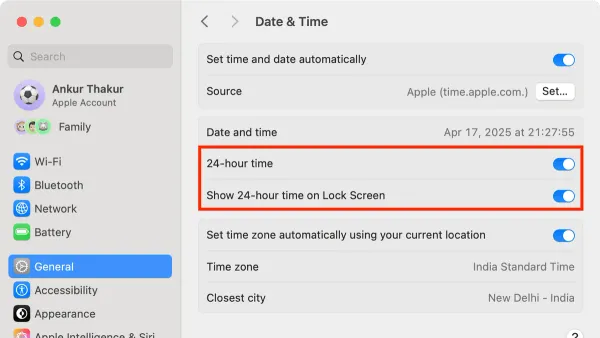
Mac Tips
Discover how to use the 24 hour clock on Mac, customize its settings, and sync your time format across devices for clear and precise timekeeping.