Mac Tips
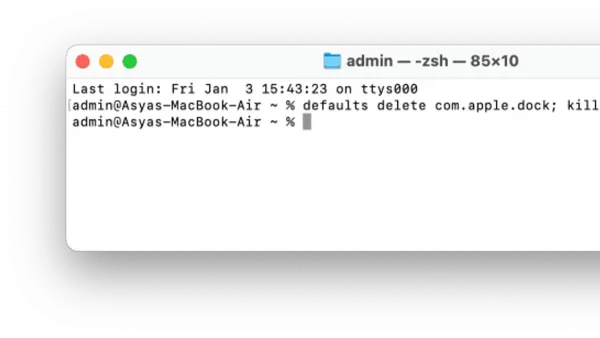
How to Reset Dock to Default Using Mac Terminal: Step-by-Step Guide
Discover step-by-step commands to reset your Mac Dock to default using Terminal and manage Dock settings effectively.

Mac Tips
Discover step-by-step commands to reset your Mac Dock to default using Terminal and manage Dock settings effectively.
Mac Tips
This guide shows you how to reset Launchpad in Mac Terminal to fix cluttered layouts, missing icons, and app deletion problems quickly.
Mac Terminal
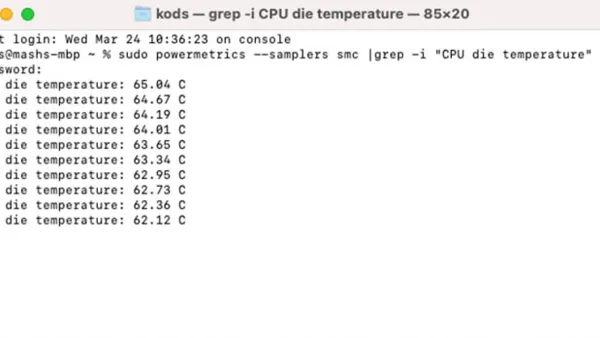
Discover how to use powermetrics in Mac Terminal to check your Mac's temperature and monitor CPU heat without installing extra software.
Mac Terminal
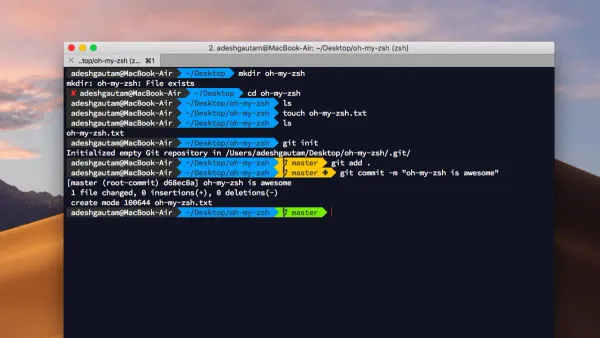
Discover clear steps to install Oh My Zsh in Mac Terminal and customize your command line experience with themes and plugins.
Mac Terminal
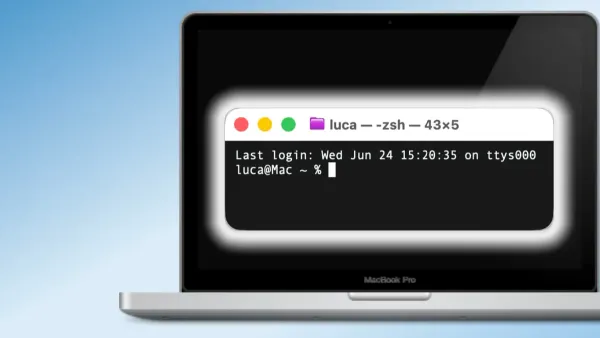
Streamline your Mac Terminal workflow by learning how to create and manage aliases in zsh for faster, error-free command execution.
Mac Terminal
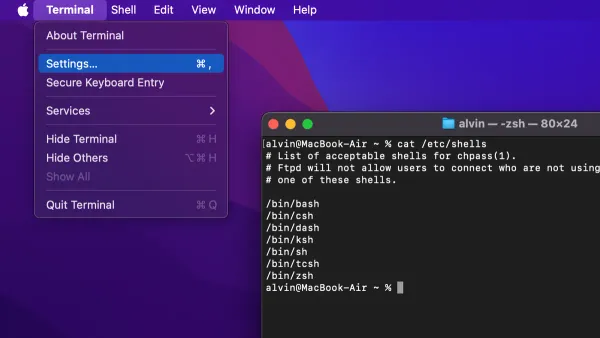
Switch your Mac Terminal default shell to Bash for better compatibility and a smoother command line experience with this easy step-by-step guide.
Mac Terminal
Learn how to set temporary and permanent environment variables in zsh on Mac Terminal to manage your shell sessions effectively.
Mac Terminal
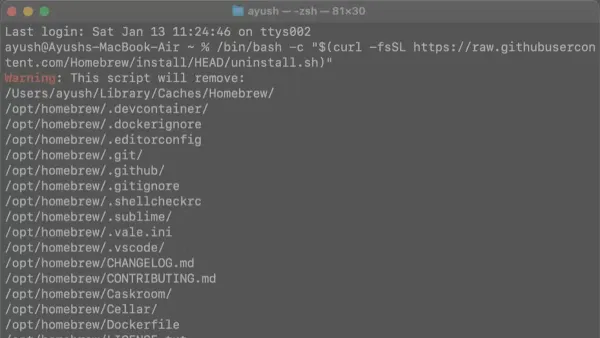
This guide shows you how to uninstall Homebrew in Mac Terminal with clear, step-by-step instructions for complete removal.
Mac Terminal
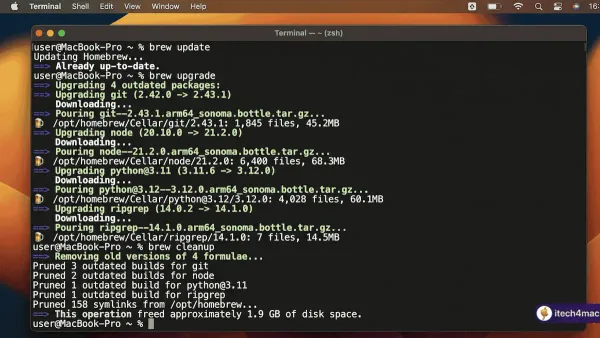
Follow this clear step-by-step guide to update Homebrew packages in Mac Terminal and keep your Mac software efficient and up to date.
Mac Terminal
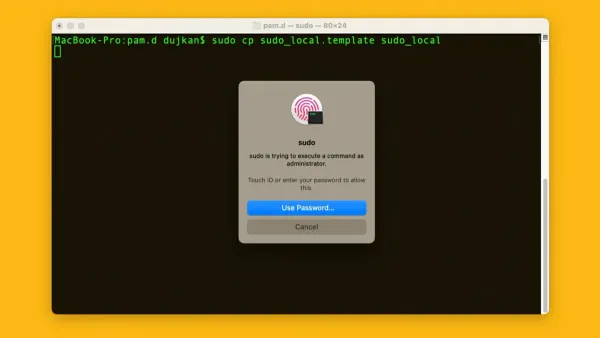
Discover how to use sudo safely in Mac Terminal to manage your system securely and avoid common mistakes with elevated command privileges.
Mac Terminal
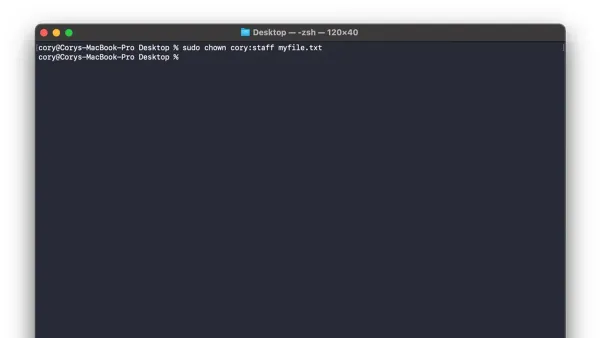
Fix permission errors by learning how to take ownership with chown in Mac Terminal safely and effectively.
Mac Terminal
Learn how to control file access by changing permissions with chmod in Mac Terminal using numeric and symbolic modes.